Sign in to Your Account
-
Follow the directions in the welcome email from Cisco to set up your user account.
-
Once you have successfully signed in, accept the Terms and Conditions.
-
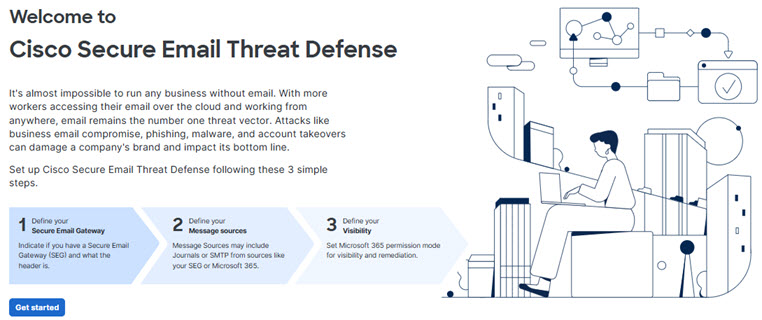
You now have access to the Welcome to Cisco Secure Email Threat Defense page. Follow the setup wizard as described in the following sections.
Secure Email Threat Defense uses Cisco Security Cloud Sign On to manage user authentication. For information on creating an account, see the Cisco Security Sign On Quick Start Guide. If you are an existing Cisco XDR, Cisco Secure Malware Analytics (formerly Threat Grid), or Cisco Secure Endpoint (formerly AMP) customer, sign in with your existing credentials. If you are not an existing user, you will need to create a new Security Cloud Sign On account.